





File not showing up? Click here to re-download. If you need any help, contact us for support.
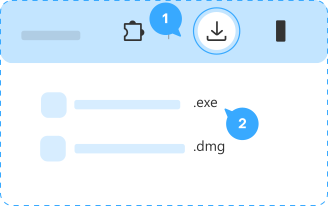
Step 1. Download
Open the downloaded file at the top-right corner of the window.
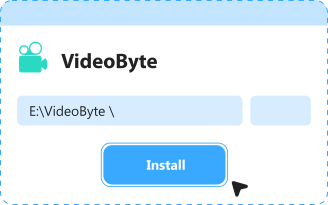
Step 2. Install
Follow the prompts to install VideoByte.
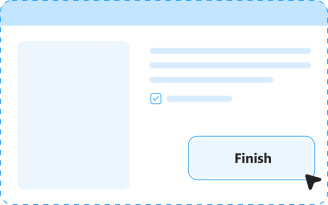
Step 3. Success
Wait for the installation to finish.

Blu-ray Player
Delivers a cinema-level 4K viewing experience with DTS-HD/Dolby audio and unrestricted, region-free playback.

DVD Ripper
Decrypts commercial DVDs and quickly digitizes your collection into over 300 media formats with lossless quality.

DVD Creator
Converts local digital video files into professional, custom-menu DVD discs for easy playback and archiving.

DVD Copy
Provides 1:1 copying and cloning to back up DVDs, ISO files, or folders directly to your computer.

Blu-ray Copy
Duplicates Blu-ray discs smoothly to blank discs or local hard drives while retaining full original quality.
Step 1.
Click the "Download" button.

Step 2.
Click the file to install.
 VideoByte Setup.exe
 English
 Korean
 Dutch
 Chinese
 Italian
 Spanish