
VideoByte Blu-ray Player
Why Choose VideoByte Blu-ray Player?

Create a Home Cinema Experience Anywhere
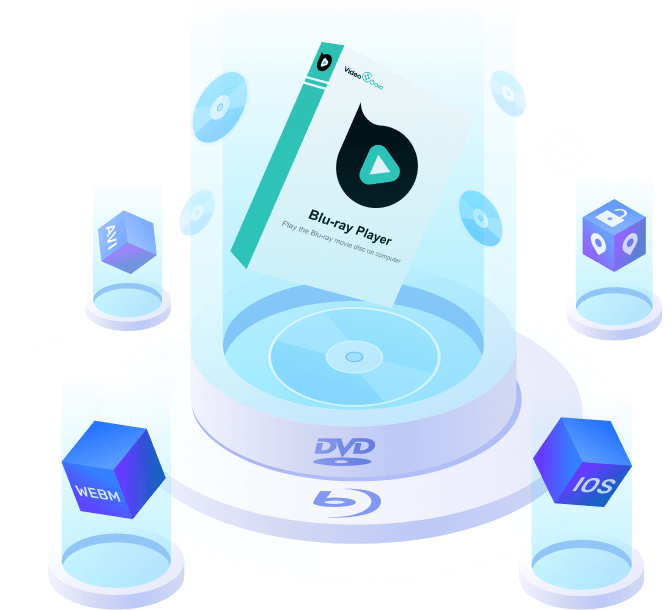
As one of the best Blu-ray players, VideoByte Blu-ray Player supports lossless playback of 4K UHD/1080P and high-fidelity surround audio. It will fully restore the high-definition image details, which look just like that in cinemas.
Customize Your Personal Media Library
With a user-friendly interface and operation, VideoByte Blu-ray Player allows users to switch subtitles, audio tracks, adjust playback speed, and more parameters freely. It can also record old watching history to easily find and rewatch.
Capture Beautiful Snapshots as You Like
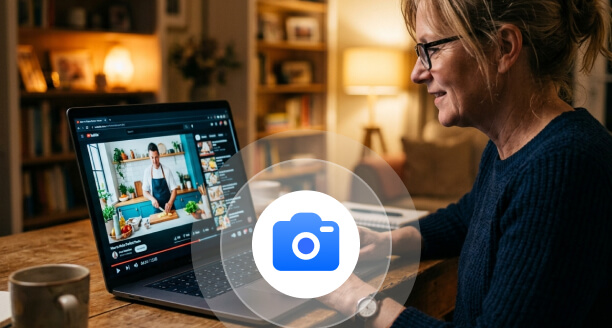
Want to save preferred movie scenes as wallpapers or collections? You can screenshot high-quality frames during playback. It fully preserves HDR color performance, letting you freeze every cinematic beauty with a single click.
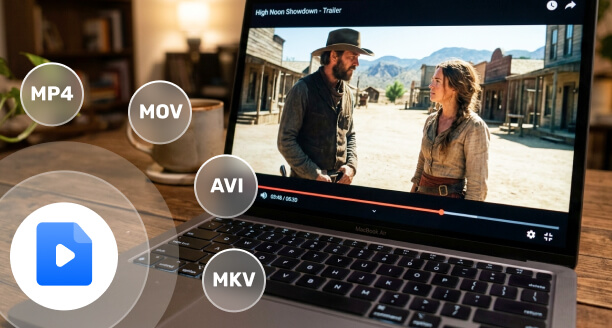
Play All Media Formats in One Program
You are not just downloading a 4K Blu-ray player, but also getting an all-around media player: VideoByte Blu-ray Player allows you to play other MP3, MP4, M4A, MKV, MOV, and more format files on Windows and Mac systems.

Enjoy 4K Blu-ray Discs with Region Free
Playing with one click! No need to worry about advanced encryption of discs - VideoByte Blu-ray Player is built with advanced decryption technology, supporting all region codes (A/B/C) and protected Blu-ray & DVD discs.

Stable & Low Resource Performance
Get the most stable free-to-download Blu-ray player on the market. Powered by hardware acceleration, it ensures lower CPU usage while multitasking. And VideoByte is 100% clean without bundled malware or intrusive ads.
Ultimate Region-Free Blu-ray Disc Player on Mac/PC
Can't play those movie Blu-ray discs that you brought back from abroad due to the regional lockdown? As one of the best region-free Blu-ray players, VideoByte Blu-ray Player gets rid of any region codes, including Region A, B, and C, letting you enjoy any commercial or homemade Blu-ray disc worldwide without limits. Better still, the original Blu-ray menu will be totally preserved to make your playback control easier. You can have full access to the Blu-ray content with this Blu-ray player software.

All-in-One Blu-ray Player for All Regular Videos
One Download, All Formats Supported! Beyond being a premium 4K Ultra HD Blu-ray player, it handles Blu-ray & DVDs/ISO files/BDMV folders with ease. Supporting over 45+ popular video & audio formats (MP4, MKV, AVI, M4A, WAV, MOV, etc.) and advanced H.264/H.265 (HEVC) encoding, it ensures fluent playback of any high-definition video without extra codecs or plugins required.
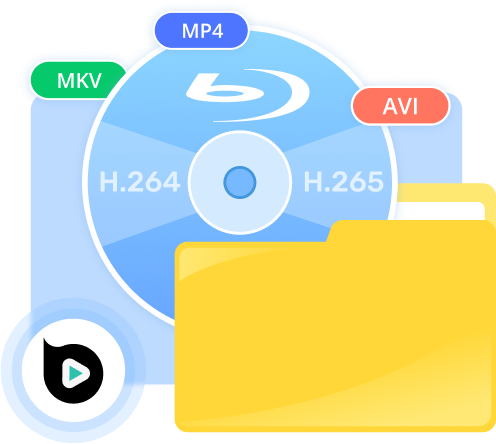
Cinematic Visual Effect & Studio-Grade Sound
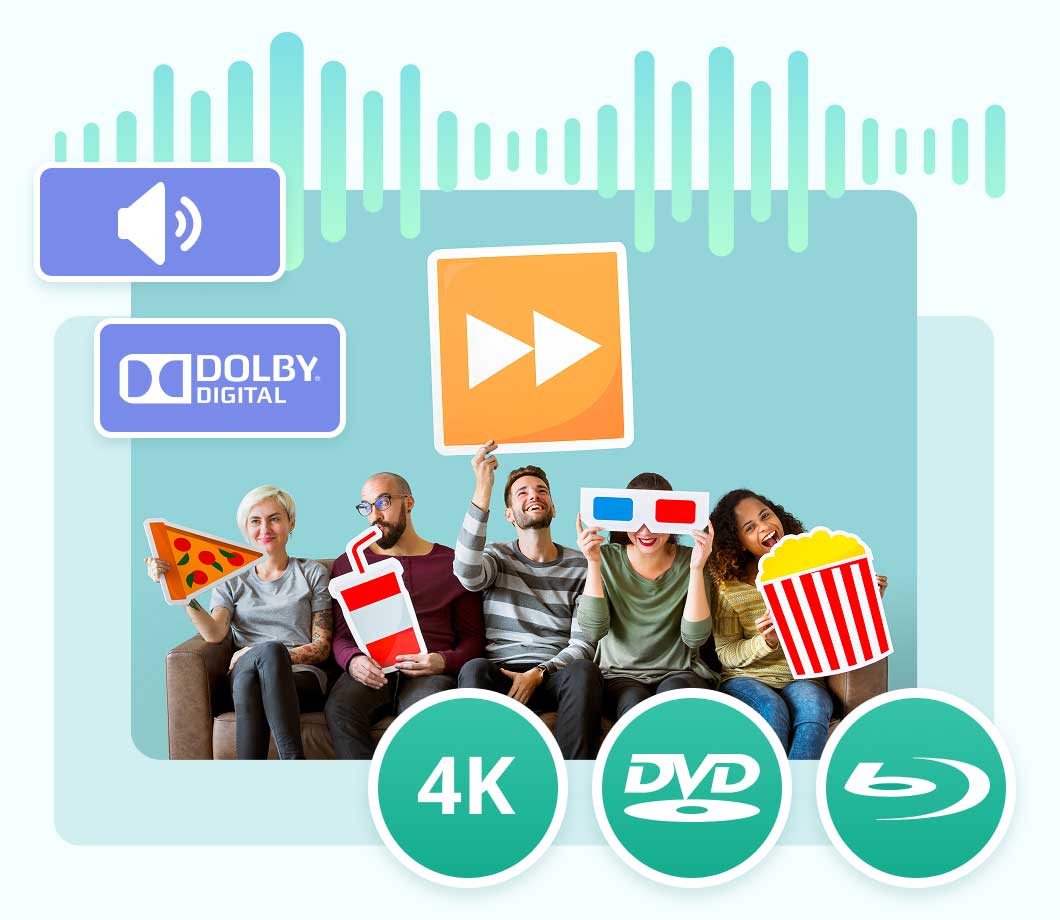
Indulge in the professional home theater experience to stir the soul with the VideoByte Blu-ray Player! Using the Blu-ray player on Mac/Windows, you can obtain 1080P HD and 4K Ultra HD effects with zero quality loss of data or frame in terms of any common videos. Meanwhile, with the support of multiple cinematic audio decoding systems like DTS and Dolby Digital, one can enjoy crystal-clear image and audio quality. play Blu-ray on your computer, and 4K Ultra HD image quality with zero quality loss of data or frame in terms of any common videos.
Intuitive Blu-ray Menu & Playback Control
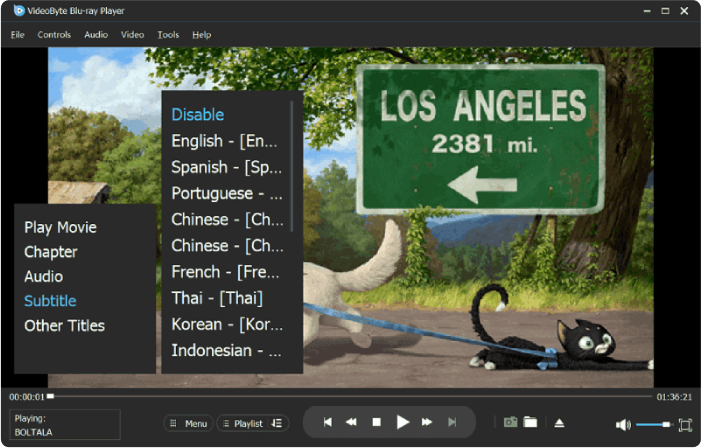
Easy access to chapters, subtitles & audio tracks
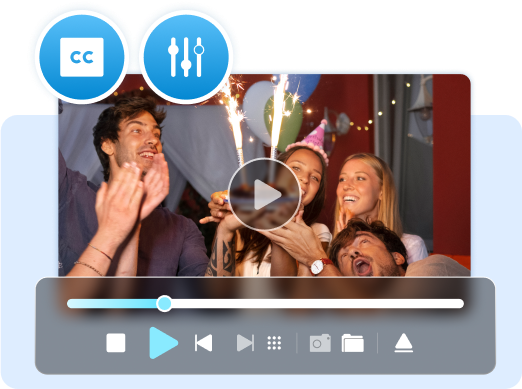
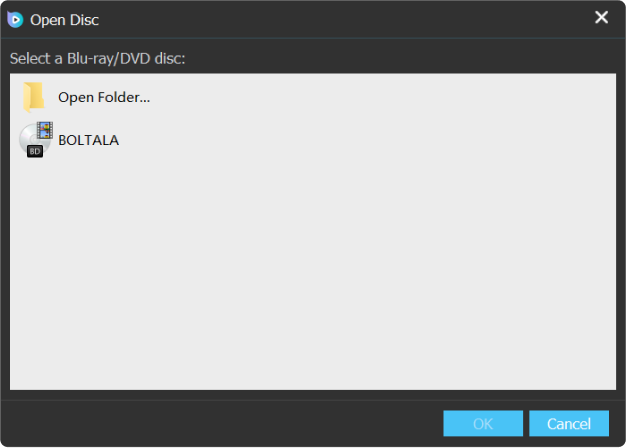
VideoByte Blu-ray Player well preserves the complete structural content in the Blu-ray or DVD disc. You can fully access the disc menu and switch to preferred chapters/audio tracks/subtitles on your demand.
Customize your preferred parameters
This Blu-ray player software also offers you considerate and flexible operations available, such as volume adjustment, full-screen playback, forward, backwards, pause/play, and more. Enjoy total control over your Blu-ray movies!
Smooth Blu-ray Playback with GPU Acceleration
Powered by advanced hardware acceleration technology, like Intel Quick Sync Video (QSV) and NVIDIA NVENC, VideoByte Blu-ray Player cuts down CPU usage by up to 40% when playing high-bitrate Blu-ray discs or 4K videos. This not only ensures a lag-free playback but also saves battery consumption. Whether you are using a MacBook, iMac, or Windows PC, you can enjoy a seamless Blu-ray experience without worrying about performance drops.

Extra Features to Perfect Your Movie Night
Adjust Video Effect
VideoByte BD-DVD Ripper provides superior parameter settings that support adjusting resolution, aspect ratio, bitrate, frame rate, video encoder, audio channels, sample rate, audio encoder, etc. to tailor ripped DVD/Blu-ray movies.
Take Snapshot
While you are watching a movie and have viewed a frame that you like so much, you can click the “Snapshot” button in VideoByte Blu-ray Player to copy the high-resolution source frame as JPEG, PNG, or BMP format.
Easy-to-use Playlist
You can create your playlist in order according to your needs, and VideoByte Blu-ray Player will play them for you one by one. Once you play them with network connected, they can be loaded in the playlist and you don’t require internet to watch them next time.
Chapter Navigation
Never waste time searching for your favorite scenes. VideoByte Blu-ray Player helps you navigate through your watching history, picking up exactly where you left off, even after closing the player. Combined with a full chapter menu, you can easily access any specific highlight.
3D Experience
Bring a new dimension to your screen with this 3D Blu-ray player. Supporting 3D MVC encoding and HDR10, VideoByte Blu-ray Player delivers perfect depth and vivid color accuracy, making you immerse yourself in the scene.
User Guide: Play Blu-ray on PC/Mac in 3 Steps
You can watch Blu-ray movies effortlessly using VideoByte Blu-ray Player. Clear image guide and detailed video tutorial are both available for you below.
Watch the video tutorial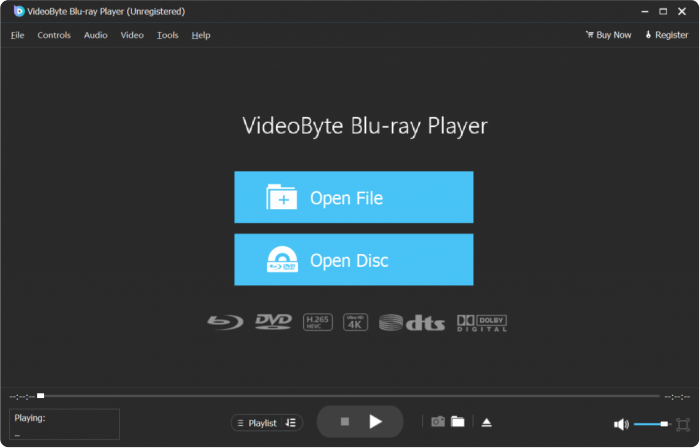
Guides & Tips for VideoByte Blu-ray Player Software

Customer Voices



Even though all the ones I tried claimed to be able to play everything (region free), the only one that worked properly was VideoByte…but with an update from Win 10 to 11… when I went to play a new Blu-ray I purchased, I had to reinstall…emailed VideoByte. Within 24 hours, I had a reply with my registration code. Learn More >

products that allowed me to watch Blu-Rays on my Mac and to rip them as saves as digital files, which in turn allowed me to capture stills to use as references for my illustration work. The programs work flawlessly. Support at VideoByte helped me transfer my license to my new Mac in each instance… Learn More >

After I paid for a lifetime license for VideoByte Blu-ray Player, I found that it produced the error message “File not found.” …I had my doubts whether the support team could figure out the problem, but they did, and that has given me confidence that VideoByte is a legit software company with a commitment to supporting their products. Learn More >
Approved by Trusted Websites

VideoByte Blu-ray Player gives you cinema-like enjoyment on Windows and Mac. All commercial and homemade DVD/Blu-ray Disc/Folder/ISO files are available.
Read More >>
The VideoByte Blu-ray Player is one of the latest options available, offering a range of benefits that set it apart from other players on the market.
Read More >>
The VideoByte Blu-ray Player is one of the latest options available, offering a range of benefits that set it apart from other players on the market.
Read More >>VideoByte Achievements

8+
Years of experience

249
Countries and territories

247 million
Satisfied users

358+ million
Downloads
Frequently Asked Questions
-
1. Can I have a free trial before purchasing?
Of course. VideoByte Blu-ray Player offers you 30-day free trial for Blu-ray playback, and you can try its functions to decide whether to buy it or not. Besides, if you are a Windows user, you can also watch DVDs with VideoByte Blu-ray Player for free.
-
2. How to get my license code after payment?
Normally, you will receive an email that includes the licensed email and a registration code will be sent to you by the third-party immediately. Sometimes, it may be recognized as a junk mail, so you can check the spam folder first. If you haven’t received the email after 30 minutes, you can contact the support team via Support page for help.
-
3. Is the license only linked to the computer registered computer?
No. If you need to change to a new computer after you have registered on the old one, you can go to the Support page and contact our team to help you.
-
4. Can VideoByte Blu-ray Player open Blu-ray ISO/folders?
Yes. VideoByte Blu-ray Player supports not only Blu-ray discs, but also supports playing Blu-ray ISO files. Therefore, you can enjoy all Blu-ray movies on your computer whatever formats they are using.
-
5.Does VideoByte Blu-ray Player also play DVDs?
If you are a Windows user, VideoByte Blu-ray Player will play DVD discs/folders/files for you.

 English
  Korean
  Dutch
Dutch  Chinese
  Italian
  Spanish