





Enjoy Cinematic Blu-ray Movie Playback
Looking for the best 4K Blu-ray player in 2026? After hands-on testing of over a dozen mainstream hardware players and software solutions, our top pick for hardware is the Panasonic DP-UB820EB, primarily due to its exceptional HDR10+ and Dolby Vision tone-mapping capabilities. For PC and Mac users, VideoByte Blu-ray Player stands out as the ultimate region-free software for flawless 4K playback.
Below, we provide a quick-reference comparison table followed by in-depth, lab-tested reviews to help you upgrade your home theater setup.

| Model | Type | Price | Best For | HDR Support | Rating |
|---|---|---|---|---|---|
| LG UBK80 | Hardware | $179.99 | Budget Home Theater | HDR10 Only | 4.0/5 |
| Sony UBP-X800M2 | Hardware | $249.99 | Premium Audio Enthusiasts | Dolby Vision & HDR10 | 4.5/5 |
| Panasonic DP-UB820EB | Hardware | $399.98 | Best Overall Performance | Dolby Vision & HDR10+ | 4.8/5 |
| Sony UBP-X700 | Hardware | $135.95 | Best Value Hardware | Dolby Vision & HDR10 | 4.3/5 |
| VideoByte Blu-ray Player | Software | Free Trial/Paid from $29.95 | Region-Free PC/Mac Playback | 4K UHD Lossless | 4.7/5 |
| CyberLink PowerDVD 23 | Software | $69.99 | 8K & Media Center Hub | 4K/8K HDR10 | 4.4/5 |
To deliver objective and authoritative recommendations, our engineering team evaluated each 4K Blu-ray player based on a strict 5-point benchmarking system:
Picture & Audio Quality: Measuring HDR10/Dolby Vision color accuracy and Dolby Atmos/DTS:X soundstage passthrough.
Disc Compatibility: Testing with over 30 physical discs, including region-locked discs, scratched media, and triple-layer 100GB UHD discs.
Loading & Response Speed: Timing the exact duration from disc insertion to the main menu display.
Connectivity & Smart Features: Assessing dual-HDMI outputs, Wi-Fi stability, and streaming app responsiveness.
Value for Money: Weighing the retail price against actual long-term hardware durability.
Let’s come to the 4K Blu-ray players here. In the following, you will be introduced to the 5 best 4K Blu-ray player hardware on the market for achieving successful 4K Blu-ray playback on televisions and computers. Based on the price, performance, and playback quality, you can compare and select the one you like the best to purchase.
If you want a stunning 4K picture and original audio quality when playing 4K Blu-ray, the LG UBK80 4K Ultra HD Blu-ray Player is a great piece of hardware you won’t want to miss. It is developed to play 4K Ultra HD Blu-ray at lossless quality. The discs, with their High Dynamic Range (HDR), can be perfectly resolved by this 4K Blu-ray player's hardware. It also supports 3D for a vivid experience when playing 3D Blu-ray videos.

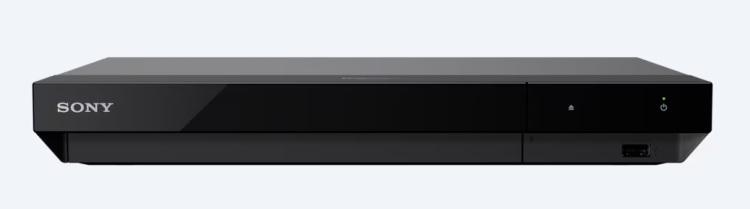
Especially for its great surround sound, the Sony UBP-X800M2 4K Ultra HD Blu-ray Player is also one of the best pieces of hardware for enjoying 4K Blu-ray Discs. It can handle 4K details well and offers Dolby Vision display and automatic visual upscaling, delivering high-quality when watching 4K Blu-ray with the player. Moreover, the Sony 4K Ultra HD Blu-ray Player also supports popular video streaming sites such as Netflix, Amazon, and YouTube. So, in addition to playing 4K Blu-ray Discs, you can also use it to stream on-demand videos with great quality.

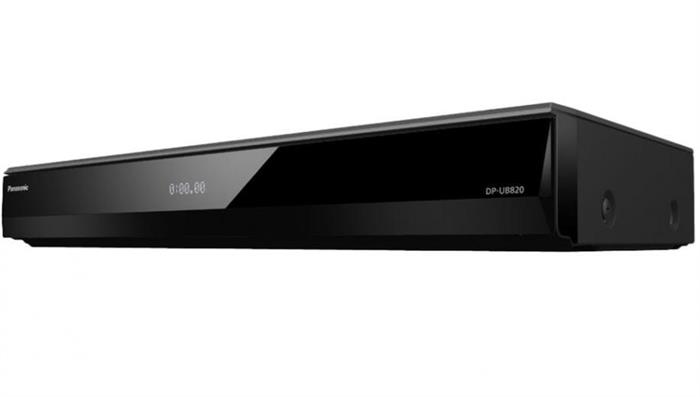
By delivering awesome, inviting, and immersive image quality, the Panasonic DP-UB820EB is selected as one of the best 4K Blu-ray player hardware for reading and streaming movies. It has an upscaling feature and a meaty sound effect, which deliver all-around high-quality movie playback.
For users who want the dynamic contrast of Dolby Vision without a $400 price tag, the Sony UBP-X700 is the go-to solution. In our lab tests, it rendered striking color gradients on Dolby Vision-enabled discs. It is significantly more compact than its big brother, the X800M2, and features built-in streaming apps like Netflix, Amazon Prime, and YouTube. While the drive motor hums a bit louder during the initial disc spin-up, it settles into near silence during movie playback. It is an incredibly economical, budget-friendly choice of great quality.
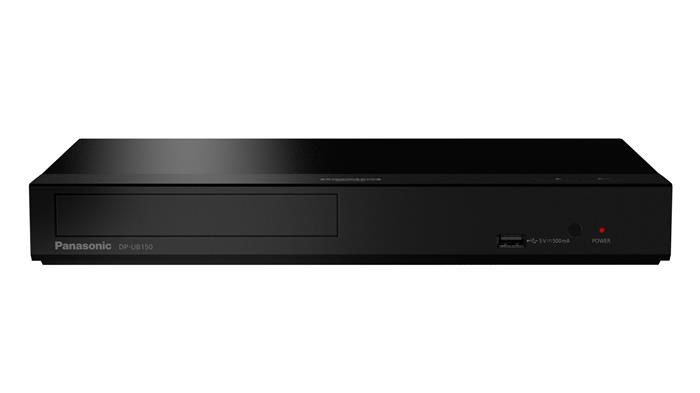
Finally, we come to Panasonic DP-UB150. This economical 4K Blu-ray player can handle 4K upscaling to a great extent with aplomb. Also equipped with 7.1 surround sound (when using a supported system), the audio of the Panasonic DP-UB150 is nicely detailed, with an impressive sense of scale. Therefore, this hardware is a considerable purchase option.
To play 4K Blu-ray on PC/Mac, using professional 4K Blu-ray player software is a must. Standard media player software fails to stream 4K Blu-ray discs due to encryption limits and advanced AACS 2.0 decryption demands. Below are the 5 best programs to upscale your desktop 4K movie experience.
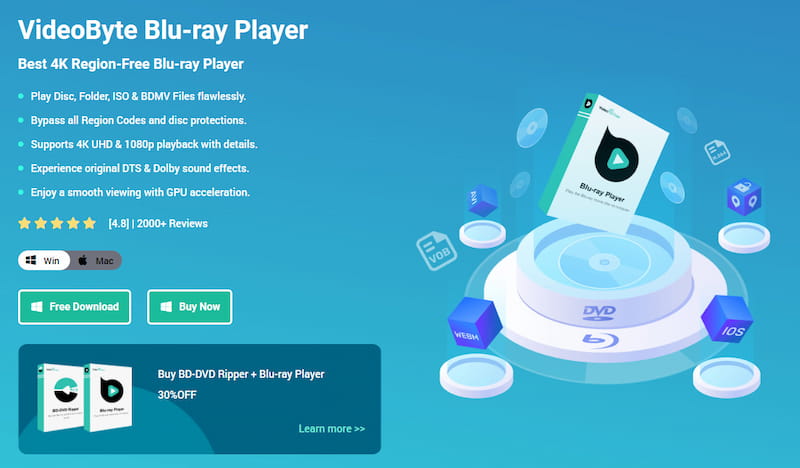
The first top-ranking 4K Blu-ray player software for PC should be VideoByte Blu-ray Player, a professional helper that delivers lossless 4K Blu-ray streaming to all users with original image and sound support. With superior Blu-ray video streaming capabilities, VideoByte Blu-ray Player delivers high-quality playback to users worldwide. More importantly, it bypasses all Blu-ray region codes and protections, allowing you to play 4K Blu-ray on PC/Mac without any limitations. No matter what type of Blu-ray Disc you have, you can use VideoByte Blu-ray Player to play them smoothly.
The following tutorial will walk you through the steps to play 4K Blu-ray on PC/Mac using VideoByte Blu-ray Player.
Step 1. Prepare the 4K Blu-ray player hardware and connect it to your computer.
Step 2. Insert the 4K Blu-ray disc into the optical drive, subsequently, launch VideoByte Blu-ray Player and load the disc content.
Step 3. Once the movie thumbnail loads, playback is ready for you.
 Tips
Tips
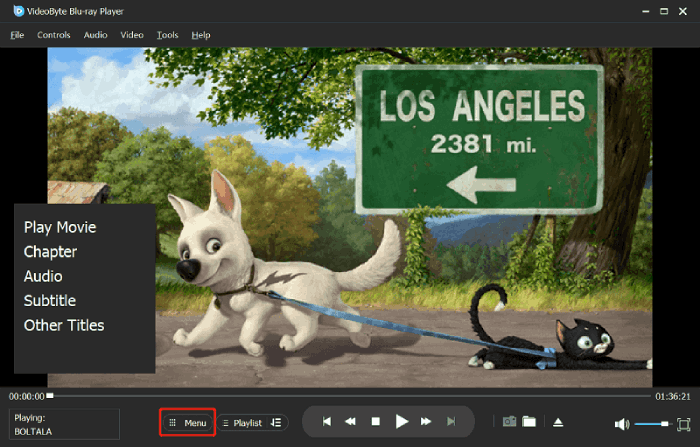
By tapping the Menu option, you can access the navigation menu to select how to play the 4K Blu-ray movie.
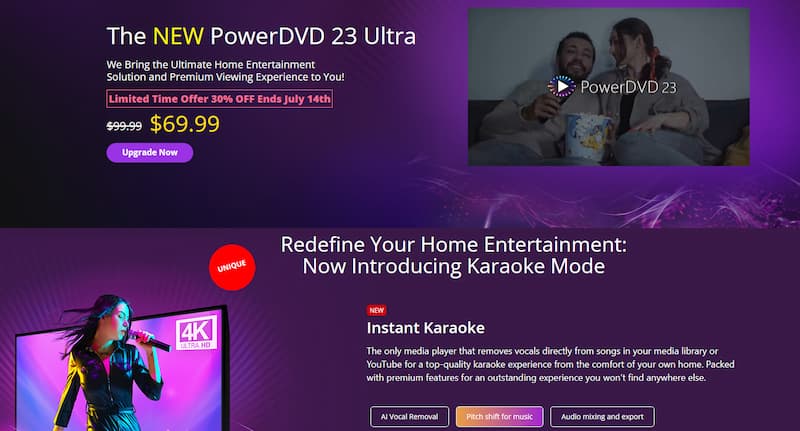
CyberLink PowerDVD 23 Ultra is a premium multimedia application designed for modern Windows environments. Representing a significant upgrade over outdated versions like PowerDVD 16, this edition is fully optimized for 4K Ultra HD Blu-ray decryption, 8K video playback, and advanced TrueTheater HDR color enhancement, while also effortlessly handling high-bitrate spatial audio tracks. Although the initial purchase price is relatively high, the accompanying mobile app seamlessly transforms your smartphone into a fully functional remote control.
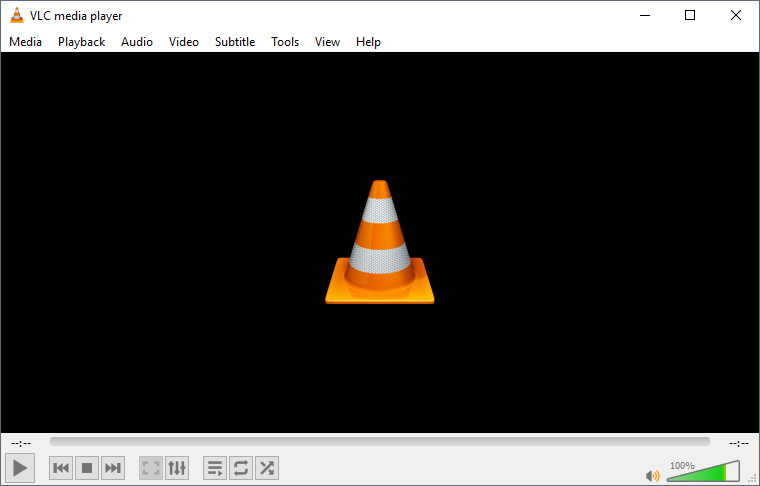
VLC is the world's most popular cross-platform media player, supporting Windows, macOS, and Linux. While it serves as an incredible repository for free video streaming and regular playback, it can also stream 4K Ultra HD videos and play unprotected Blu-rays. It contains no spyware, tracking, or ads. However, playing encrypted commercial 4K Blu-rays requires advanced manual configuration of keys and dynamic libraries. Users also occasionally report stuttering and frame drops during high-bitrate 4K playback.
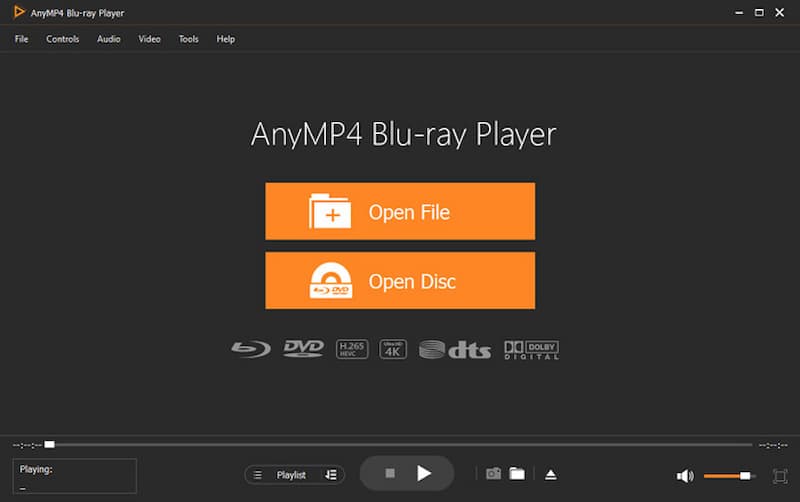
AnyMP4 Blu-ray Player is also a reliable 4K Blu-ray player that you should not overlook. The program helps all users fulfil the dream of bringing cinema home by delivering a perfect 4K UHD and 1080p HD video streaming experience with no loss of image quality (though it doesn’t support lossless audio playback on computers). However, AnyMP4 Blu-ray Player offers additional features, such as a manageable local music library, easy controls, a flexible navigation menu, adjustable audio effects, and so forth. Therefore, users can easily enjoy the best video playback on computers.
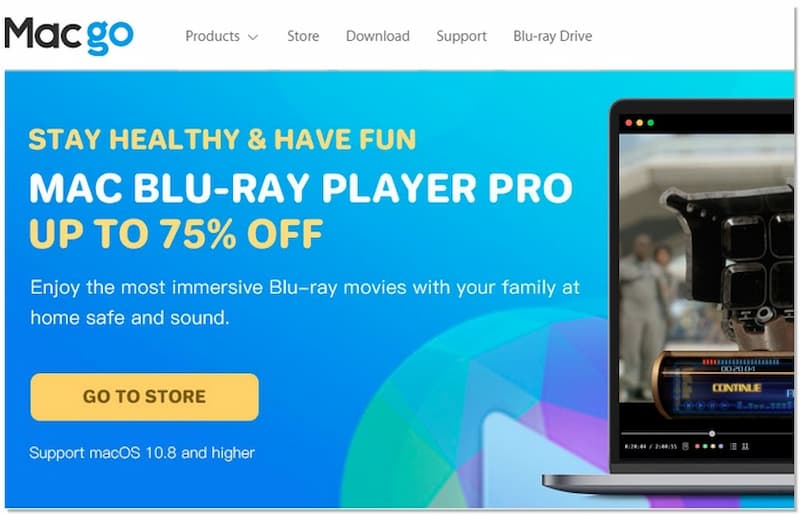
While older choices like the Aurora Mac Blu-ray Player have stagnated, the Macgo Mac Blu-ray Player Pro has taken the absolute lead on macOS. It is fully optimized for Apple Silicon (M1/M2/M3 chips) and ensures seamless rendering of 4K Blu-ray discs, ISOs, and BDMV folders. It uses robust hardware acceleration to reduce CPU usage during 4K streaming, keeping your MacBook Pro or Mac Studio completely silent and cool throughout movie nights.
Hardware vs. Software: Choose hardware (like Panasonic or Sony) if you want a standalone device connected to your living room TV. Choose software (like VideoByte) if you have an external drive and want to watch discs on your PC/Mac.
HDR Format Support: Ensure the player matches your TV’s capability. Look for players supporting Dolby Vision or HDR10+ to unlock the best dynamic contrast.
Audio Passthrough: If you have an AV receiver, pick a player that supports native audio bitstream passthrough for true cinema sound.
Q1: Can a regular standard Blu-ray player play 4K Ultra HD discs?
A: No. Standard Blu-ray players are physically incapable of reading a 4K UHD Blu-ray disc. Furthermore, standard players lack the required H.265 (HEVC) hardware decoding and HDMI 2.0 (HDCP 2.2) compliance needed to transmit a 4K signal to your TV.
Q2: Do I need both an external drive and software to play 4K Blu-ray on a PC?
A: Yes. The physical Blu-ray drive, whether external or internal, only reads the raw data from the disc. To decrypt, decode, and render 4K video streams, HDR metadata, and advanced multi-channel soundtracks (such as Dolby Atmos), you must have dedicated, professional 4K playback software installed on your computer.
Q3: What is the difference between HDR10 and Dolby Vision?
A: HDR10 uses static metadata, meaning that uniform brightness and contrast rules are applied to the entire film. Dolby Vision, on the other hand, uses dynamic metadata to optimize contrast and color accuracy for different scenes or even individual frames. To experience Dolby Vision, both your player and your TV panel must support the technology.
Q4: Are 4K UHD Blu-ray players backward-compatible?
A: Yes, all 4K UHD Blu-ray players are fully backward compatible. They will effortlessly play standard 1080p Blu-rays, DVDs, and audio CDs. Most premium models also feature integrated hardware upscaling to make your older legacy media library look sharper on a 4K display.
Both 4K Blu-ray player software and hardware are indispensable tools for ensuring successful 4K Blu-ray playback, in that the standard Blu-ray player cannot fail to support ultra-high-definition resolution. As this post has introduced the best 4K Blu-ray player options to you, hope you enjoy nice movie streaming at home!
Hot Articles
by in 7 February, 2025
by in 7 February, 2025
by in 5 June, 2026



 English
  Korean
  Dutch
Dutch  Chinese
  Italian
  Spanish