




Benefits of Using VideoByte BD-DVD Ripper
Enjoy Blu-ray/DVD Movie Without Limitation
Bringing DVD or Blu-ray discs is troublesome and prevents you from watching them with ease. VideoByte BD-DVD Ripper helps you rip them to regular digital formats like MP4, which supports you enjoying your movies on mobile devices easily.
Back up DVD/Blu-ray Content Forever
You may be afraid of losing or damage your collected discs and failing to watch the DVD/Blu-ray content again. With VideoByte, you can save them as DVD ISO or Blu-ray folder to your hard drive or USB, which will be stored completely forever.
Unlock Protections of DVD/Blu-ray Disc
Can't you play Disney movie discs or other DVDs that you bought from abroad? VideoByte BD-DVD Ripper can legally handle any copy-protected DVD/Blu-ray, letting you rip discs freely for personal enjoyment.
Minimize Local Storage Space of Disc Library
A single DVD or Blu-ray takes up 4GB–9GB of physical space and is hard to store. Free up your space and protect discs from scratches, loss, or damage. You can convert DVDs into small, portable MP4/MKV files.
High-Quality Ripping for Playback/Creation
Ripping with some tools often leads to compressed sound or image. This DVD/Blu-ray ripper supports lossless ripping for a cinema-level home viewing experience or video post-production.

Lifetime Free Upgrades & Technical Services
The official team keeps the program compatible with new discs, protections, systems, and formats for long-term use. Enjoy lifetime free updates and Pro technical support with one purchase.
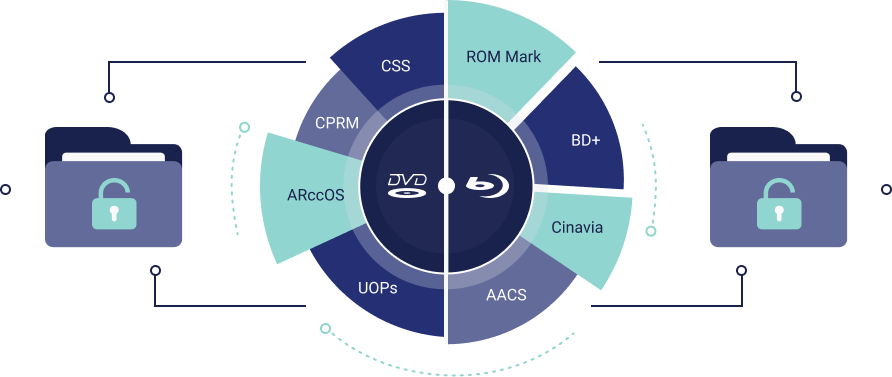
Transfer Copy-Protected DVD/Blu-ray to Digital
VideoByte BD-DVD Ripper can rip both homemade and commercial copy-protected DVD/Blu-ray discs, VIDEO TS folders, and ISO files to regular digital formats. Protections like APS, CSS, ARccOS, CPRM, AACS, BD+, and Cinavia are all supported, and it can even unlock region codes easily. It also keeps developing its decoding and decrypting technology to deal with the latest protections. With this best DVD/Blu-ray ripper, you can copy all your DVD/Blu-ray discs on Windows and Mac with ease.
Convert Discs to Various Formats and Device Presets
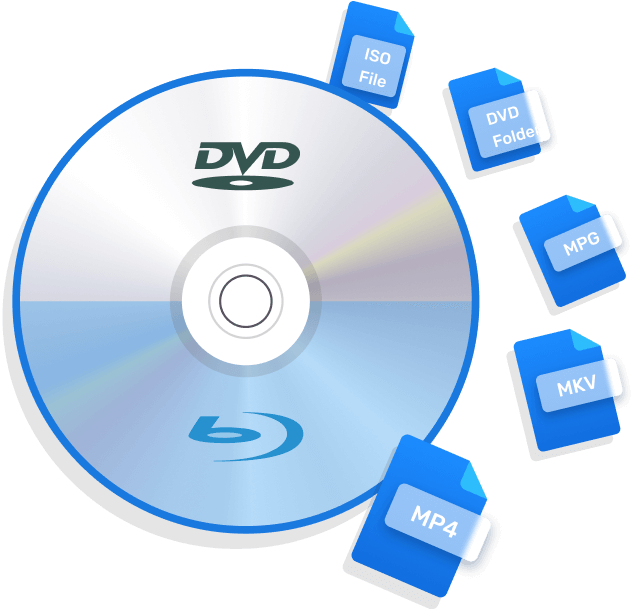
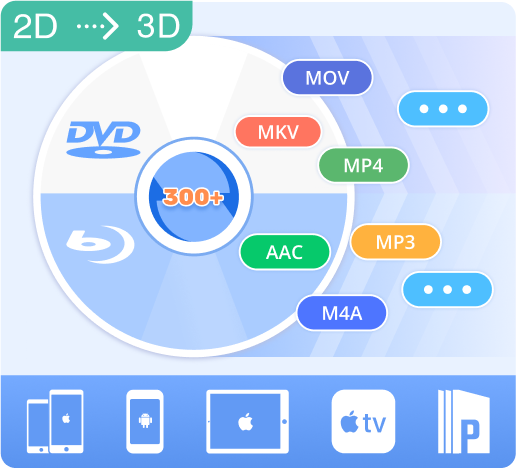
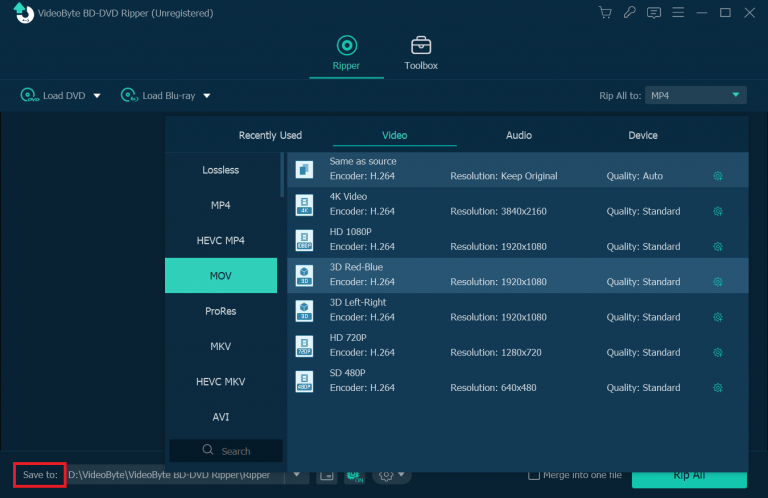
With 300+ video/audio formats supported, you can convert Blu-ray and DVD to MP4, MKV, MOV, and other video formats, as well as convert DVD and Blu-ray to MP3, AAC, M4A, and more audio formats.
To help you play the converted content conveniently, it has also predefined output files for popular devices such as Apple (iPhone/iPad/Apple TV), Android (Samsung/Sony/Huawei), smartphones, tablets, or PS3/PS4 game consoles. Besides, 2D to 3D conversion is also supported. Using this DVD/Blu-ray ripper, you can enjoy the disc content at any time and anywhere you like.
Copy DVD/Blu-ray Disc with Lossless Quality
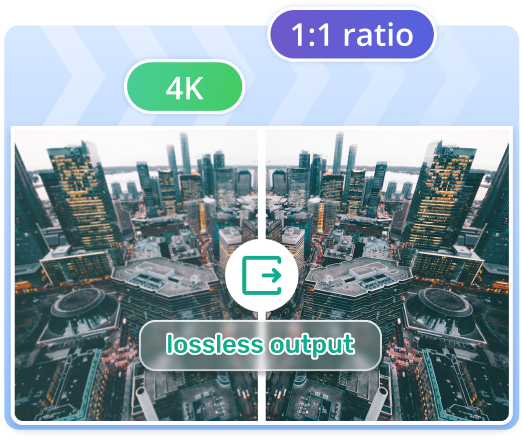
VideoByte BD-DVD Ripper supports copying DVD/Blu-ray discs at a 1:1 ratio in lossless quality output, which keeps the same quality as the original BD/DVD. If you want to convert DVDs to videos in lossless quality, please select "MPG Lossless" as the output format. For Blu-ray, convert it to MKV, which is also lossless. With this reliable ripper, you are able to enjoy 4K output on your own screen!
Rip DVD with Original Audio Tracks & Subtitles
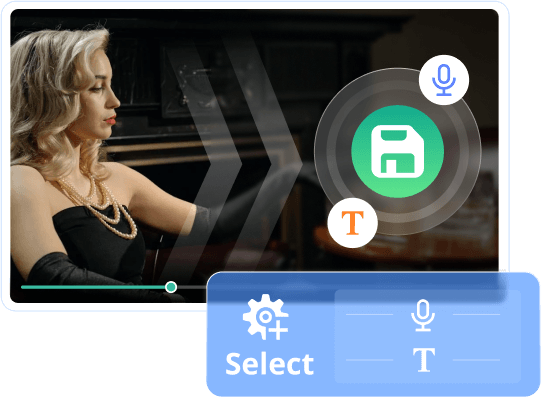
VideoByte BD-DVD Ripper supports ripping DVDs with all subtitles and audio tracks by default when you convert the movie from disc to a digital file. You can also select multiple desired ones for a lighter file size output. More importantly, these audio tracks and subtitles are selectable when you play the converted videos in the media player. Better still, it also helps you add external audio tracks and subtitles yourself.
Note: The Mac version can only preserve 1 hard-coded subtitle in the converted file.
3 Output Modes to Convert DVD/Blu-ray Disc
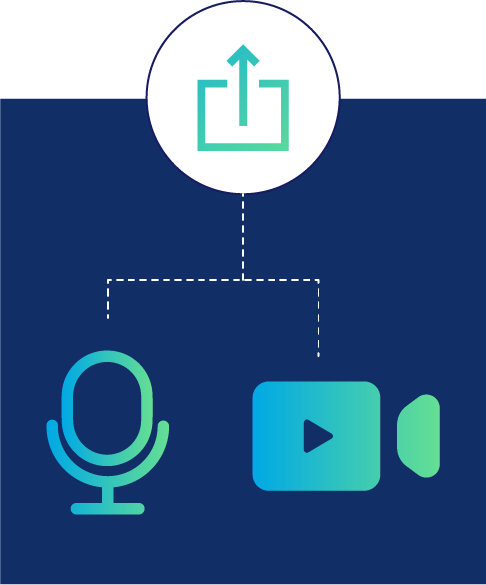
The software not only supports the output of regular video and audio formats, but it also provides more options to meet different requirements. With this DVD/Blu-ray ripper, you can not only convert DVD and Blu-ray to regular video/audio formats like MP4, but also rip DVD to ISO image files, and rip DVD/BD to folders. So, VideoByte BD-DVD Ripper also supports backing up valuable DVD/Blu-ray contents and saving them as ISO files or folders on your USB or hard drive without loss.
Rip to Video/Audio
Rip to DVD Folder
Rip to DVD ISO Files
A Feature-rich BD/DVD Ripper
Highly Customized Parameter Settings
VideoByte BD-DVD Ripper provides superior parameter settings that support adjusting resolution, aspect ratio, bitrate, frame rate, video encoder, audio channels, sample rate, audio encoder, etc. to tailor ripped DVD/Blu-ray movies.
6X Faster Speed with Advanced Tech
It has made great efforts to improve the conversion speed in various aspects, including multi-threading, multi-core and GPU acceleration. The hardware processing tech is powered by Intel QSV, NVIDIA NVENC/CUDA and AMD APP. It takes 10~15 mins to convert a 4.7GB standard DVD to MP4, and about 45~60 mins for a BD-25 movie. (Conversion time also depends on your CPU and DVD driver speed.)
Flexible Editing Function
VideoByte BD-DVD Ripper also supports editing your Blu-ray/DVD movie with the built-in video editor, and you can cut, crop, rotate, merge, adjust effect, add filter and add watermark. You can not only just rip chapters you like but also cut and beautify part of the Blu-ray/DVD for customizing your own videos.
User Guide: Rip the DVD/Blu-ray with 3 Steps
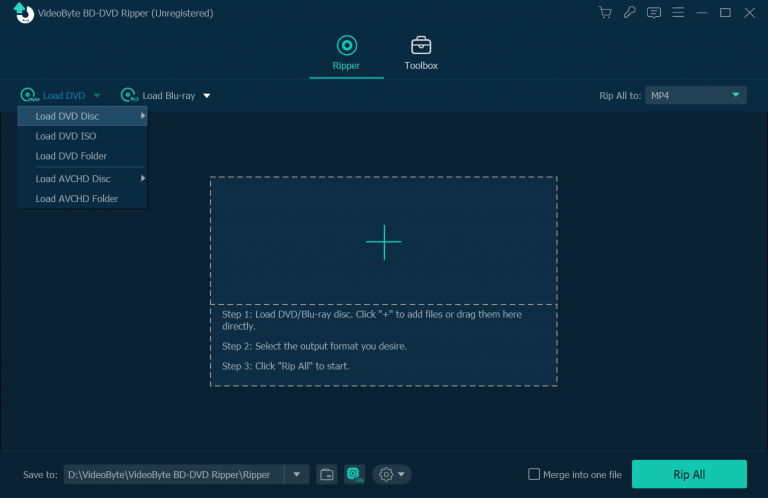
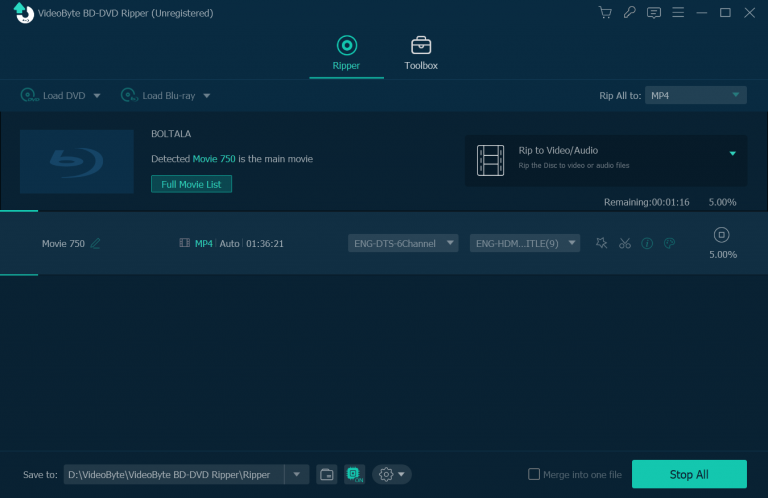
Don’t worry if you haven’t ripped DVD or Blu-ray before, because VideoByte BD-DVD Ripper is totally beginner-friendly with easy operations to help you rip the discs in a few clicks.
Resources of Ripping DVD/Blu-ray You May Need
Hear from Our Users
From

Trustpilot

Tony Denton
Mar 17, 2026


Eli Carter
Jan 15, 2026

Mel Sauerbeck
Aug 25, 2025

Clive Tait from AU
Aug 4, 2025

Egon
May 1, 2024
Approved by Trusted Websites

VideoByte BD-DVD Ripper is a neat software utility designed to rip DVD and Bluray discs.
Read More >>

VideoByte Achievements

10+
Years of experience

249
Countries and territories

247 million
Satisfied users

358+ million
Downloads
Frequently Asked Questions
-
1. Can I have a try before get this program?
VideoByte BD-DVD Ripper offers a 30-days limited free trial version to allow user evaluate features. And, there are some limitations for the use conditions. For more details on the restrictions of the trial version, you can go to the detailed FAQs page. If you are satisfied with VideoByte BD-DVD Ripper, it would be better to get the full version.
-
2. What to do if I didn't receive the license code after purchasing the product?
After the completion of the payment, an email that includes the licensed email and registration code will be sent to you by the third-party immediately. Sometimes, it may be recognized as a junk mail, so you can check the spam folder first. If you haven’t received the email after 30 minutes, you can contact the support team via Support page with your order number or order email address provided.
-
3. What to do if I failed to activate the program with the registration code?
Firstly, make sure that your internet condition is well. Then please directly copy the registration code from the email and paste to the register window. And make sure that there is no any blank space. If you still can’t activate the program, you can send the screenshot of the message that the program shows to the support team via Support page. We will check the problem and find the solution for you.
-
4. Can I continue using this program when I need to change computer?
Yes, when you need to change the computer, or reinstall the system, you can contact the support team to reset the registration code via the Support page.
-
5. Is ripping DVD/Blu-ray discs legal?
It depends. If the disc you rip is unprotected or homemade, it’s legal. But if you rip copy-protected DVD/Blu-rays and distribute the content or even for profit, it’s definitely illegal. Therefore, just keep in mind that only rip DVD/Blu-rays for your personal use or collections.

 English
  Korean
  Dutch
Dutch  Chinese
  Italian
  Spanish